Every level at a glance.
Adjust input and output independently, mute with a click and keep volume percentages visible in the menu bar.
QUICK SOUND SWITCH 2.0
Switch speakers, headphones and microphones from your Mac’s menu bar. Quick Sound Switch 2.0 brings your devices, levels and presets into one compact panel.
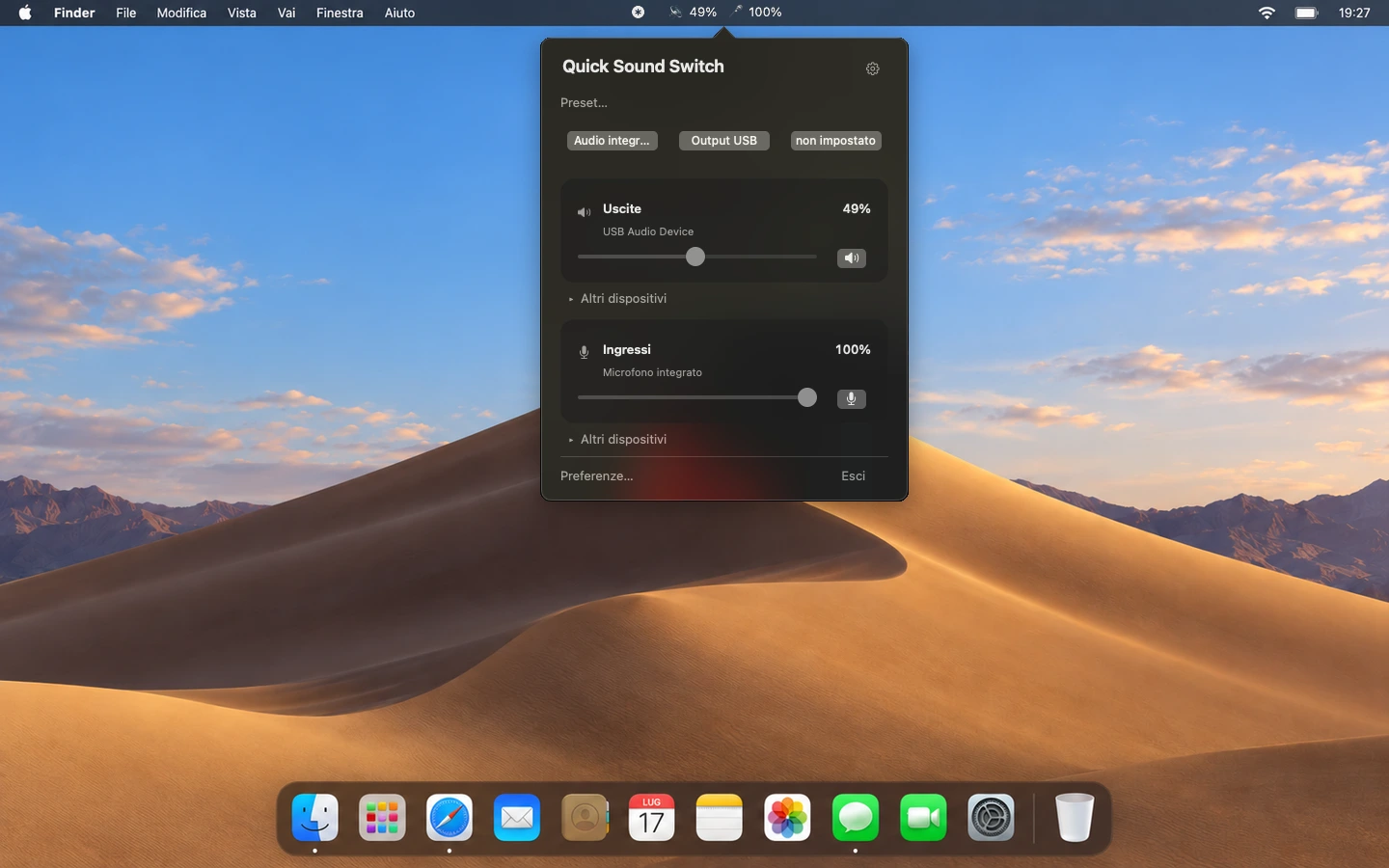
Adjust input and output independently, mute with a click and keep volume percentages visible in the menu bar.
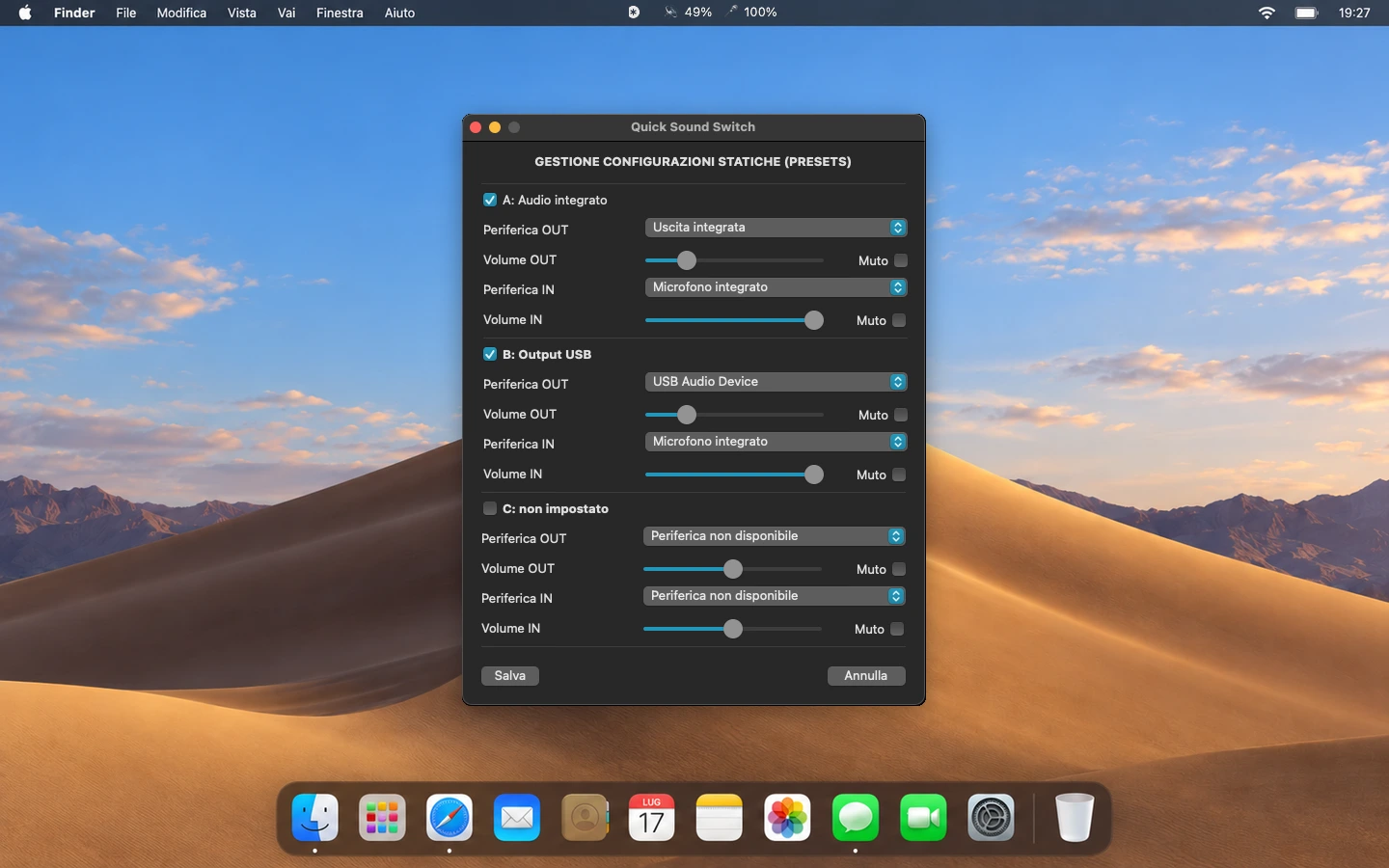
Save devices, levels and mute settings. Name your three presets and recall them with a click or a global keyboard shortcut.
Show the on-screen display always, only for actions in the app, or never. Choose a duration of 1, 2, 3 or 5 seconds.
Overview
Save devices, levels and mute settings. Name your three presets and recall them with a click or a global keyboard shortcut.
A FEW SIMPLE STEPS
Open the app from the menu bar. Expand the input or output device list and select the microphone, headphones or speakers you want to use.
Adjust the sliders and mute buttons. In Preferences, name and save up to three presets, then configure your global shortcuts.
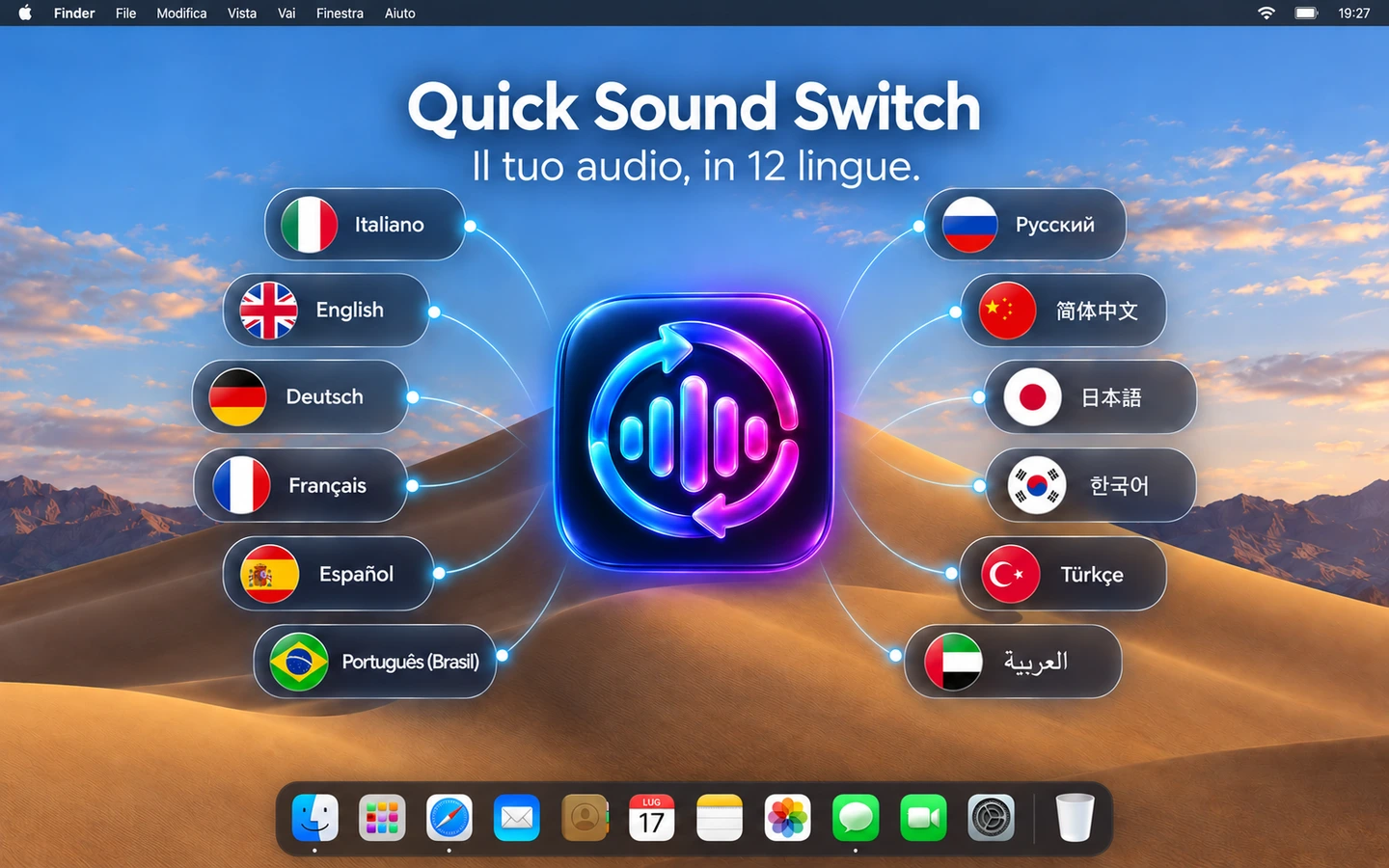
Choose your OSD mode and duration. Right-click the menu bar icon to open the traditional menu. Each language is listed in its native language.
12 LANGUAGES. ONE EXPERIENCE.
Choose your language in Preferences or follow your Mac’s system language. This support page speaks the same 12 languages.
LET’S FIND A SOLUTION
What happens? What have you already tried?
Your request will be sent to Roberto Piccirilli’s support team.