A layout that fits.
The grid adapts to the available space. View 1, 4, 9 or 16 cameras per page, with equal-sized tiles that remain fully visible.
FOR YOUR MAC. FOR YOUR PEACE OF MIND.
Bring your compatible Foscam cameras together on your Mac. A clearer dashboard, adaptive layouts and the space to focus on what matters.
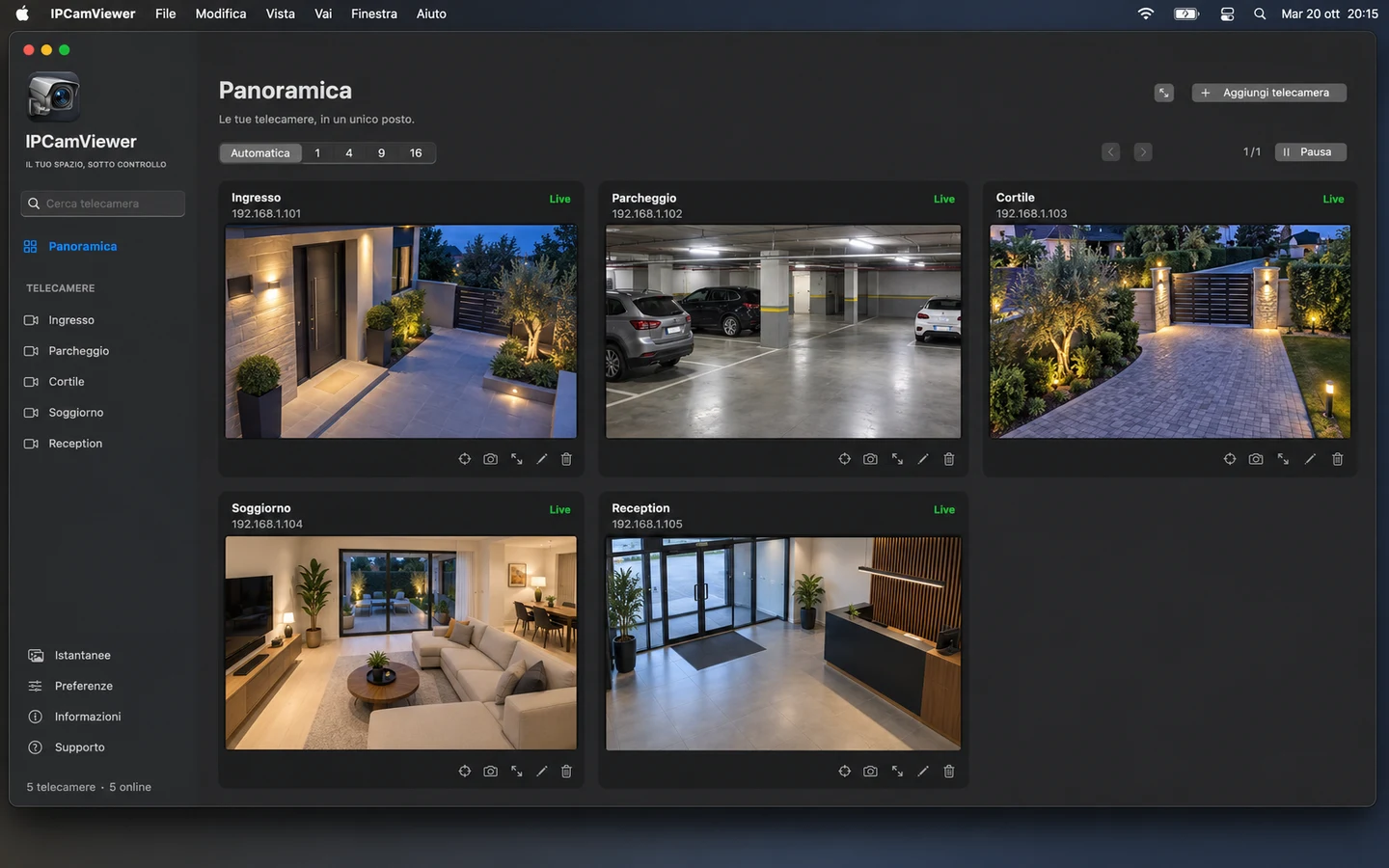
The grid adapts to the available space. View 1, 4, 9 or 16 cameras per page, with equal-sized tiles that remain fully visible.
Save snapshots, adjust image orientation and use pan and tilt controls on compatible motorized cameras, directly from the dashboard.
Review and approve an untrusted camera certificate in the app. A changed certificate requires a new confirmation.
JUST YOUR CAMERAS
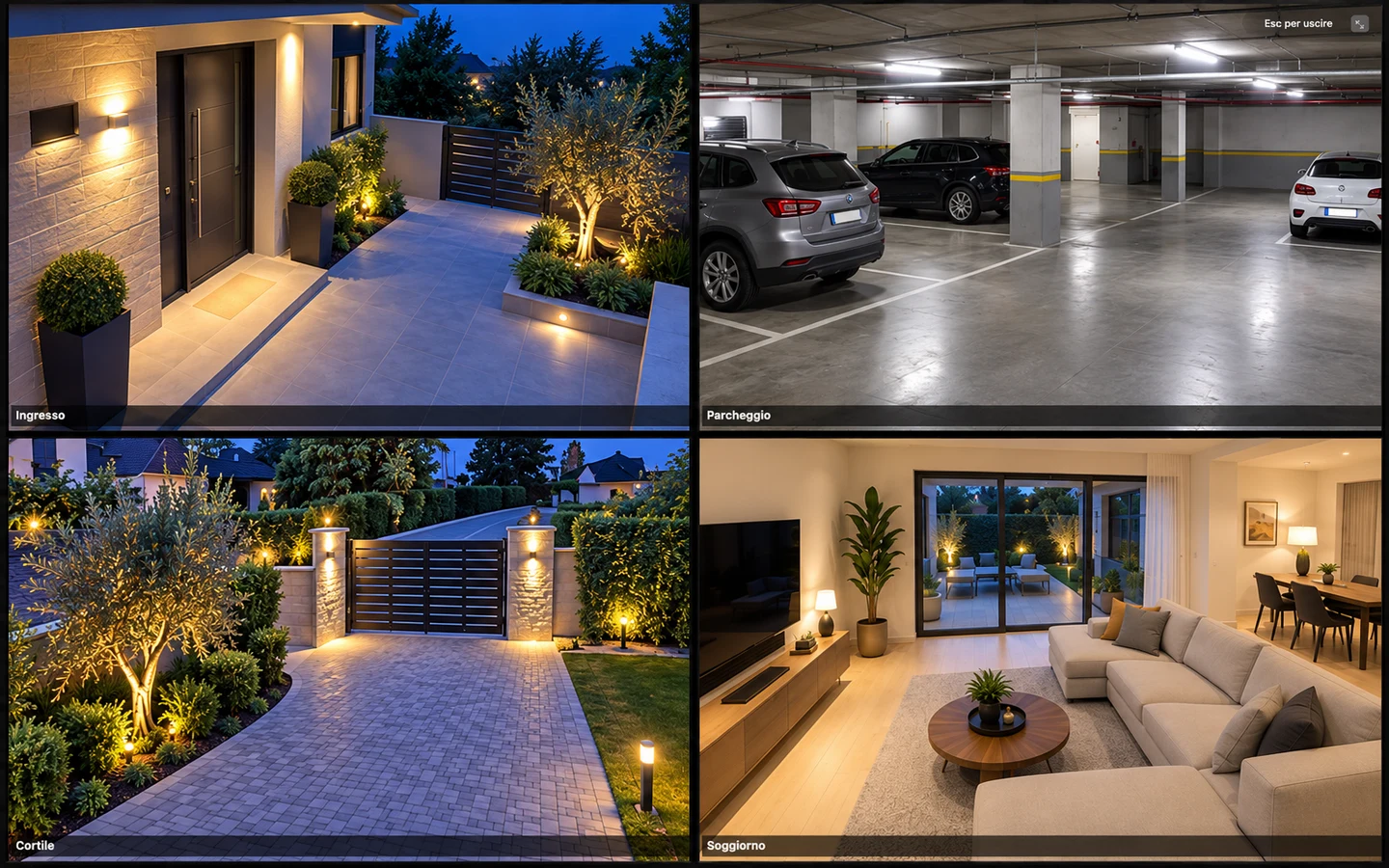
Hide the sidebar and toolbar with full-screen viewing. Move the pointer to reveal the exit controls, or press Esc to return.
A FEW SIMPLE STEPS
The camera must support Foscam CGIProxy.fcgi and the snapPicture2 command. Have its address, port and camera account ready.
Choose Add camera, enter a name, address, port, username and password. Port 443 uses HTTPS. Only approve a certificate if you recognize the device.
Choose a layout in the dashboard and your language in Preferences. Use full screen for a focused view and the snapshot button to save an image to your Mac.
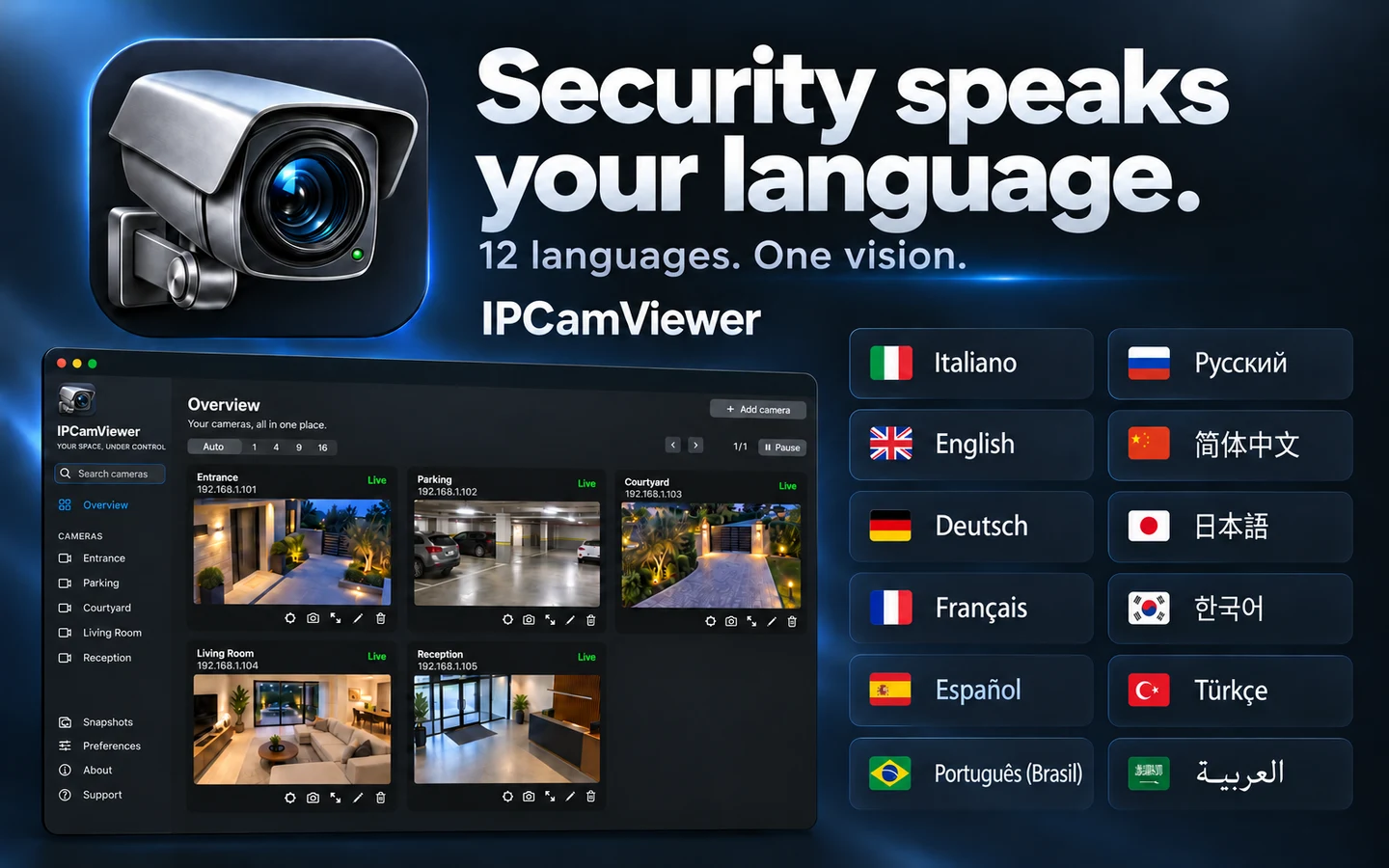
12 LANGUAGES. ONE EXPERIENCE.
Choose your language in Preferences or follow your Mac’s system language. This support page speaks the same 12 languages.
LET’S FIND A SOLUTION
A compatibility question or a connection that needs attention? Describe what happens and include your camera model and software versions.
Never send camera passwords, login credentials or private camera addresses. We do not need them to start helping you.
Your request will be sent to Roberto Piccirilli’s support team.